Some businesses need software, not just a site.
Dashboards, portals, booking systems, marketplaces, and internal tools — built around your actual workflow instead of forcing your workflow into someone else's product.
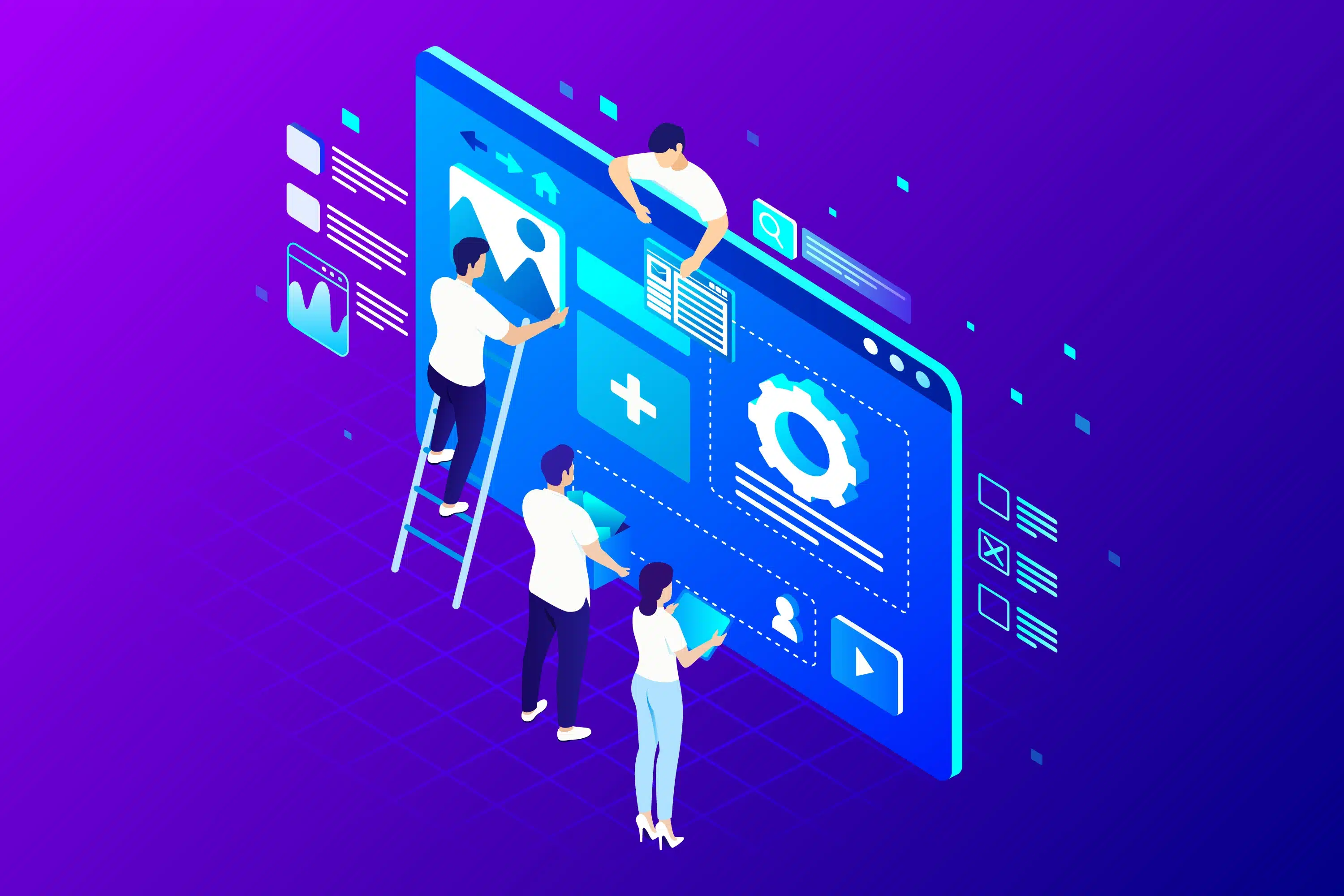
When off-the-shelf stops working
Generic tools are built for the average case. Once your process has enough edge cases — approval steps, role permissions, custom calculations — you either bend your workflow to fit the tool, or you build something that fits the workflow. I build the second option.
Why it matters
Matches your workflow
The system is shaped around how your team actually works, not the other way around.
Role-based access
Different users see and do different things, enforced properly server-side.
Real data handling
Firestore/Firebase security rules and Admin SDK patterns that keep sensitive operations off the client.
Built to extend
New features get added onto a real architecture, not bolted onto duct tape.

Software, not just a site
Built around your actual process, with role-based access and data handled properly on the server.
What I provide
Before any code, the actual workflow gets mapped out — this is what gets built once that's clear. The system is shaped around your process, not the other way around, so approval steps, permissions, and edge cases are handled from the start instead of bolted on afterward. What's below is built to be extended, so new features later don't mean starting over.

- Workflow-mapped build
- Role-based access
- Built to extend
Requirements and workflow mapping
Your actual process documented first, so the build matches how work really happens.
Custom dashboard or portal build
An interface shaped around your data and your users, not a generic admin template.
Role-based authentication
Different users see and can do different things, enforced on the server, not hidden in the UI.
Database design (Firestore/Firebase)
Data structured to match your workflow and scale as usage grows.
Admin tooling
The internal tools needed to run and manage the system day to day.
API and third-party integrations
Connects to the other services and tools your business already relies on.
Technology
How I work
Discover
Understand the goal, the constraints, and what actually needs to exist.
Plan
Scope the work, pick the approach, and set a realistic timeline.
Design
Structure and interface decisions made deliberately, not defaulted to.
Develop
Built on a clean, maintainable foundation — not just made to work once.
Test
Checked across devices, edge cases, and real conditions before launch.
Launch
Deployed carefully, with a plan for what happens if something needs to roll back.
Improve
Monitored after launch, with fixes and improvements as real usage comes in.
Have a project in mind?
Describe the process — I'll tell you what it would take to build.
Start a Conversation ↗