Bluetooth Scams and Hacking: How They Work and How to Protect Your Phone
Bluetooth cannot empty your bank account by itself, but it can be the first step in an attack. Sir Brown AD explains bluejacking, bluesnarfing, bluebugging and fake pairing in plain language, with exact settings to check on Android and iPhone today.
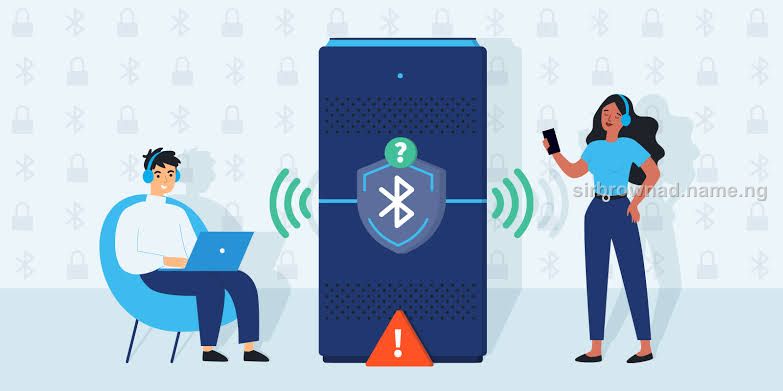
Most people leave Bluetooth switched on all day. Earphones, car, smartwatch, speaker: it just stays on. That habit is harmless most of the time, but it is also exactly what a nearby attacker looks for.
Let us be clear about the real risk, because there is a lot of exaggeration online. Bluetooth cannot take money from your bank account on its own. Bluetooth attacks work in two ways: by exploiting a weakness in an old or unpatched phone, or by tricking you into tapping accept. The danger is almost always what you are persuaded to do after the connection is made.
Bluetooth is a short-range door. The attacker has to be close, and in most cases you have to open it for them.
The Range Reality: Who Can Actually Attack You
Most phones use Bluetooth at roughly 10 metres. Some devices reach further in open space. That means an attacker must be physically near you: on the same bus, in the same queue, at the next table, in the same market, airport or event hall. This is why crowded public places matter and why a Bluetooth attack on someone sitting alone at home is very unlikely.

The Main Bluetooth Attacks, Explained Simply
Bluejacking: A nearby device sends you unwanted messages, contacts or links. It is mostly a nuisance, but the link inside can lead to a phishing page or malware. It only works if you interact with it.
Bluesnarfing: An attacker exploits a weakness to pull data from your phone, such as contacts, messages or files. This needs a vulnerable, usually old or unpatched, device.
Bluebugging: The most serious type. The attacker tries to take control of functions like calls and messages. It also depends on a vulnerable device or on you granting permissions.
Fake pairing requests: A pop-up appears asking to connect, sometimes with a familiar name. You tap accept without thinking.
Name impersonation: A device is named something trusted, such as John's AirPods or Toyota Audio, so you pair with it. Anyone can name a Bluetooth device anything.
Malicious file transfer: A file or app is sent through Bluetooth. If you open or install it, it can infect the phone.
New Updates


Why Old Bugs Still Matter
Security researchers have found serious flaws in Bluetooth over the years. BlueBorne in 2017 showed that some devices could be attacked without any pairing at all. The KNOB attack in 2019 showed that connection encryption could be weakened under certain conditions. Phone makers fixed these through updates, but only phones that actually install updates are protected. If your phone is old and no longer receives security patches, Bluetooth is a bigger risk for you.
How a Real Bluetooth Scam Plays Out
A scammer sits near you in a bus park, office or event. They scan for phones with Bluetooth visible. They send a connection request or a file. If you accept, they may try to push a link, install malware, or start a conversation with a convincing excuse: you have won a reward, your phone has a problem, you must verify your account, or a payment needs a connection. The Bluetooth part is only the opening. The real attack is social engineering, and it is the same psychology covered in other articles on this platform: urgency, a promise or a threat, and pressure to act before you think.
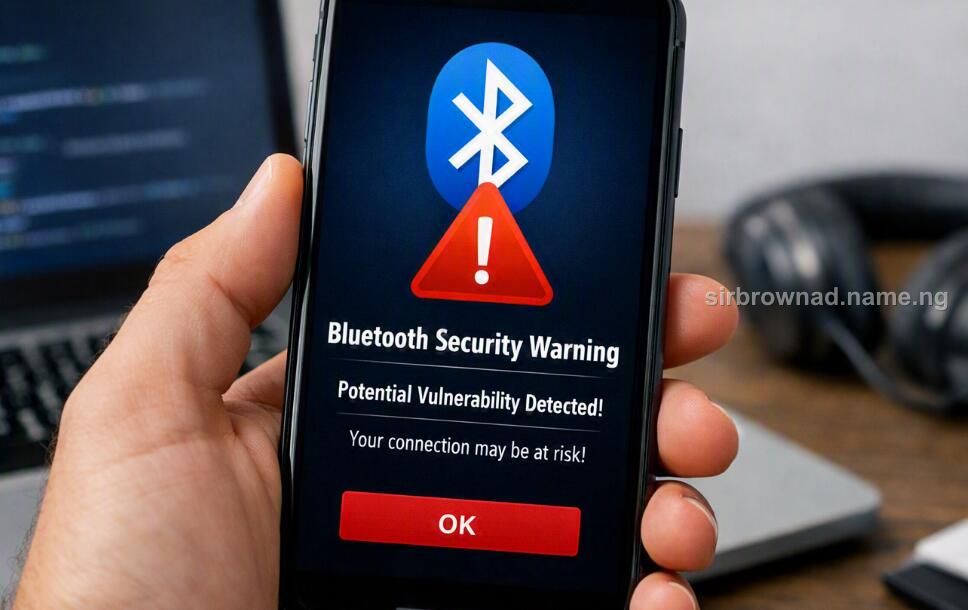
Warning Signs on Your Phone
A pairing request you did not start
A device nearby with a name similar to yours or one you own
A file, contact or link arriving from an unknown device
Someone asking you to turn on Bluetooth or accept a connection for no clear reason
A paired device in your list that you do not recognise
Unusual battery drain, unknown apps, or calls and messages you did not make
Do These Settings Checks Today
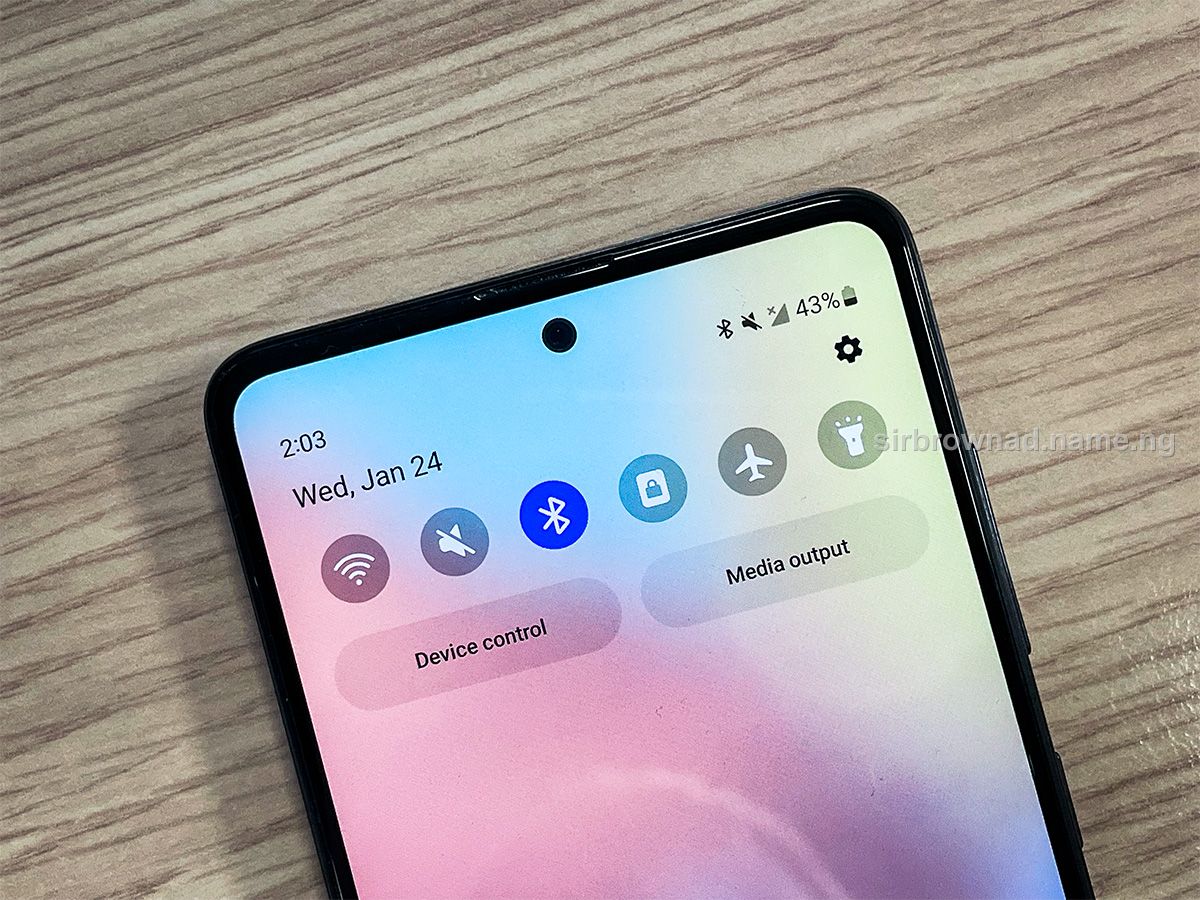
On Android: open Settings, then Connected devices, then Bluetooth. Remove any paired device you do not recognise. Check that device visibility is not left open. Open Quick Share or Nearby Share and set it to your contacts or your devices only, never everyone.
On iPhone: open Settings, then Bluetooth. Tap the i beside any unknown device and choose Forget This Device. Then go to Settings, General, AirDrop and set it to Contacts Only or Receiving Off.
On both: update your operating system, use a strong screen lock, and review which apps have the Nearby devices permission. Remove it from apps that do not need it.
Habits That Protect You in Public
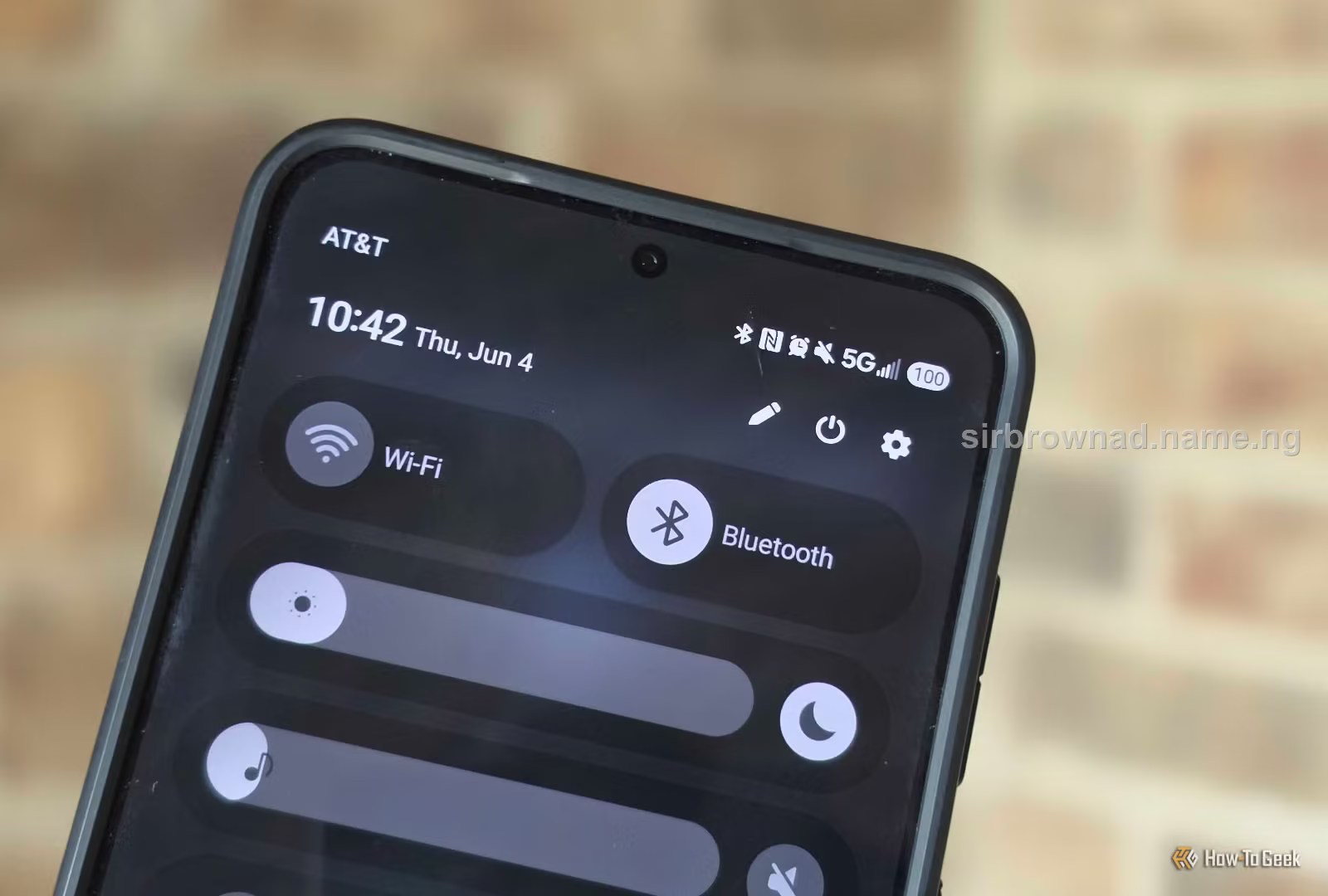
Switch Bluetooth off in buses, markets, airports, events and queues unless you are actively using it
Pair new earphones, cars or watches at home, not in a crowd
Reject any pairing request you did not start yourself, even if the name looks familiar
Never open files or links received through Bluetooth from strangers
Never accept a connection because someone says it is needed to receive a reward, fix your phone or complete a payment
Do not approve extra permissions just to finish pairing
Remove old paired devices you no longer use
THE BEST BLUETOOTH SECURITY IS OFF WHEN YOU ARE NOT USING IT.
If You Think You Were Targeted
Cancel the connection and switch Bluetooth off. Remove the unknown device from your paired list. Restart your phone and install any pending updates. Check for apps, files, calls and messages you do not recognise. If you opened a suspicious file, installed something, or typed banking details afterward, change your passwords from a different trusted device, contact your bank straight away using the number on your card, and report to the EFCC or the police if money is involved. If you suspect malware, a factory reset after backing up your important files is the safest option.
Conclusion
Bluetooth attacks are real, but they are narrow: close range, often dependent on old software, and nearly always completed by a mistake the user makes. That is good news, because you control all three. Keep your phone updated, switch Bluetooth off in crowds, and never accept a connection you did not start. A small habit removes most of the risk.
Get new Security & Fraud alerts
One email when a new security & fraud article like this one goes live. No spam, unsubscribe anytime.
Join my WhatsApp channel
Get new articles, fraud alerts and web security tips straight to your phone.
Found this useful? Share it.
Someone you know may be about to fall for a scam or make a costly mistake. Send them this.
This article was originally written and published by Sir Brown AD.
Advertise with us
Sir Brown AD
Keep reading, or tell me about what you're building.
Discussion