SIM Swap Fraud in Nigeria: The Scam That Doesn't Need Your Password
NIBSS names SIM-swap fraud as one of the fastest-growing threats in Nigeria's digital payment system, even as overall fraud losses fall. Sir Brown AD explains how a scammer can take over your accounts without ever knowing your password, and how to close the gap before it's used.
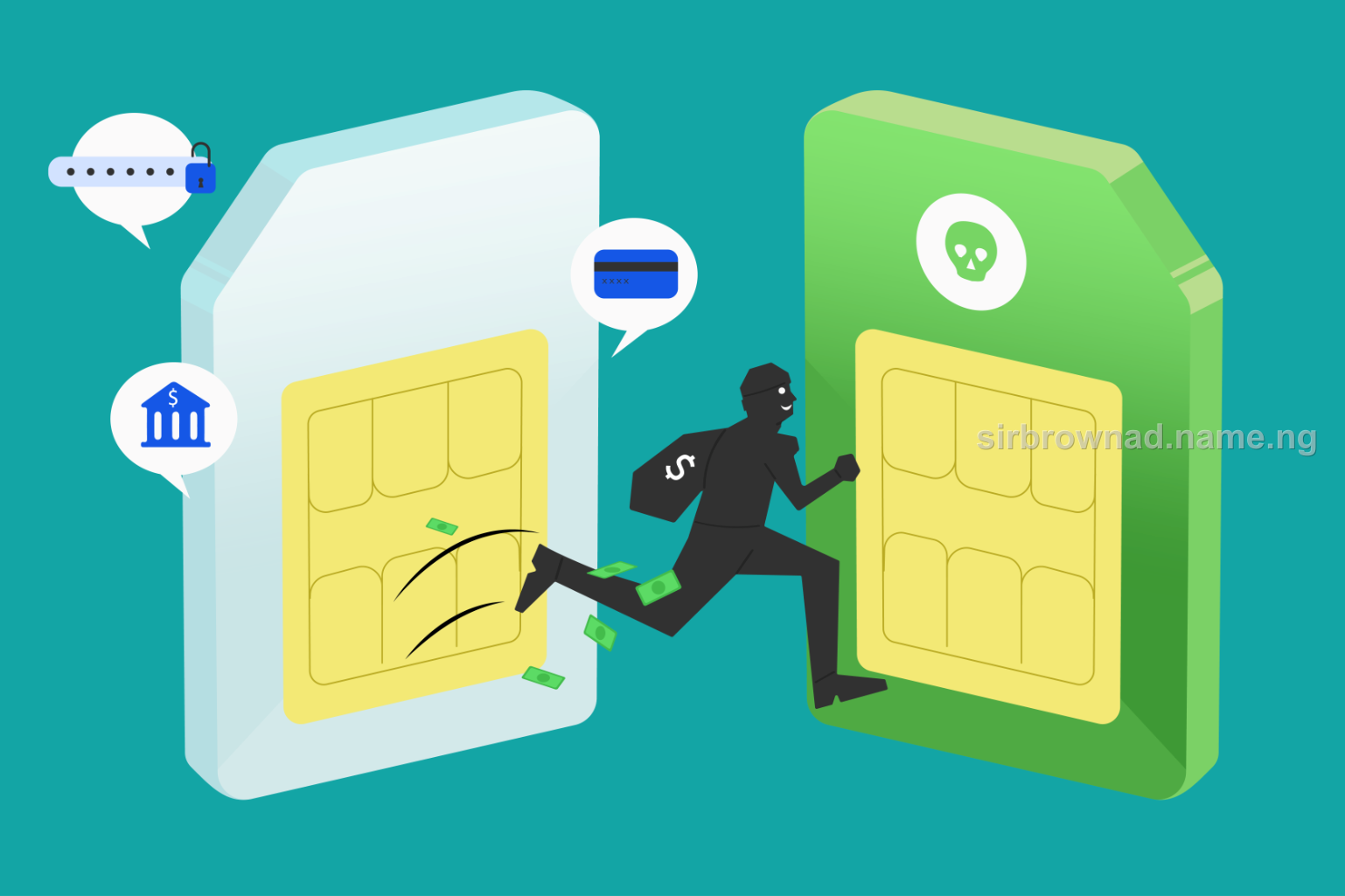
Most fraud advice assumes a scammer needs your password, your PIN, or a fake alert convincing enough to fool you. SIM-swap fraud needs none of that. It needs your phone number, and a network agent willing to issue a new SIM card to someone who isn't you.
Once that happens, every OTP, every password reset link, every two-factor code your bank sends goes straight to the fraudster's phone instead of yours — and you may not find out until your accounts are already empty.
Two-factor authentication assumes the phone receiving the code is still yours. SIM-swap fraud breaks that assumption at the network level, before your bank or app is even involved.
How a SIM Swap Actually Happens
New Updates


A fraudster gathers enough of your personal information — often through phishing, data leaks, or social engineering — to convince a telecom agent that they are you, requesting a replacement SIM for a "lost" or "damaged" phone. Once the new SIM is activated, your original SIM stops working, and every call, SMS, and OTP tied to your number now reaches the fraudster's device instead of yours. From there, they can request password resets on your banking apps, email, and social accounts using the OTPs your own number is now delivering to them.
This is precisely why Nigeria's Inter-Bank Settlement System names it as one of the fraud techniques it is tracking most closely, describing it alongside insider abuse and account compromise as threats that continue to evolve even as the total value of digital payment fraud has declined year over year.
The Warning Sign Most People Miss
The clearest early signal of a SIM swap in progress is deceptively simple: your phone suddenly loses network signal entirely, with no calls, texts, or data, when it was working normally minutes before. Most people assume this is a network issue and wait it out. That delay is exactly the window a fraudster needs to complete account takeovers before you realize what's happening.
How to Protect Yourself
If your phone loses all signal unexpectedly and stays that way, contact your network provider immediately to check whether a SIM swap or replacement was requested on your line
Add a PIN or additional verification requirement to your SIM card with your network provider, if the option is available, so a swap can't be completed with basic personal details alone
Where your bank or app supports it, use an authentication method that isn't tied purely to SMS — such as an authenticator app — since those aren't affected by a SIM swap
Be cautious about how much personal information you share publicly or in phishing-prone contexts — full name, date of birth, and address are often enough to convince a telecom agent
Monitor your bank alerts and email for password reset notifications you didn't request — these often arrive moments before or after a swap completes
If You Suspect You've Been Targeted
If your phone loses signal unexpectedly and you can't immediately resolve it with your network provider, treat it as a potential SIM swap in progress, not a routine outage. Contact your bank directly through a different device to flag your account for monitoring, and contact your network provider to reverse or block the swap. If funds have already moved, report to your bank's fraud department and the Economic and Financial Crimes Commission immediately, noting the exact time your signal dropped — that timestamp can be one of the most useful pieces of evidence investigators use to trace what happened next.
Conclusion
SIM-swap fraud doesn't ask you to fall for anything. It doesn't need a convincing screenshot or a fake support account — it needs a telecom agent to be fooled once, and your own number does the rest of the work for the fraudster. The one signal that matters most is the simplest: if your phone goes silent when it shouldn't, don't assume it's the network. Assume it's worth checking, immediately.
Get new Security & Fraud alerts
One email when a new security & fraud article like this one goes live. No spam, unsubscribe anytime.
Join my WhatsApp channel
Get new articles, fraud alerts and web security tips straight to your phone.
Found this useful? Share it.
Someone you know may be about to fall for a scam or make a costly mistake. Send them this.
This article was originally written and published by Sir Brown AD.
Advertise with us
Sir Brown AD
Keep reading, or tell me about what you're building.
Discussion